

QNAP KoiBox-100W Intel Celeron TGL 6305 4GB Video Conference
KoiBox-100W Intel Celeron TGL 6305 4GB DDR4 1xGbE RJ45 video conferencing
Brand: QNAP
SKU: KOIBOX-100W
£703.01
Price excl. VAT
£843.61
Price incl. VAT
Available – In Stock

Do you have any question about this product? Click here to contact our pre-sales consultant and make the right purchase.
Buy with confidence: honest stock, fair trade terms
Better prices with correct stock availability, and secure payments with full transparency.
- Aggregated live stock: availability shown is the combined aggregated stock of our warehouses and partner distributors, updated in real time. If it says available, it is available.
- No charge until confirmed: your payment is only reserved at checkout and is charged once your item is secured.
- 24-hour free cancellation: changed your mind? Cancel within 24 hours and the reserved payment is released in full.
- Stock sold out? Full refund: if an item becomes unavailable after you order, we cancel and release or refund 100% of your payment.
- From Our Warehouse to Your Door. every order is checked, packed at our warehouses and dispatched with DHL Express, UPS or FedEx as DDP – No customs or duties to pay. No hidden charges
- Fair cancellation and return terms: for late cancellations or returns of expensive, special-order items without a fault, a fee of up to 5-10% may apply, covering only actual shipping and handling costs to sustain our business. Faulty items and RMA cases are never charged. No late-payment fees, no interest ever. Full terms
 NOTE: The information below is provided for your convenience only; the accuracy of the specifications cannot be guaranteed. However, if necessary, please check with us before purchasing. Data provided by 1 World Sync.
General
Form factor
Desktop
Product colour
Black
LED indicators
LAN, Status
Processor manufacturer
Intel
Processor family
Intel® Celeron®
Processor frequency
1.8 MHz
Wi-Fi standards
Wi-Fi 6 (802.11ax)
Top Wi-Fi standard
Wi-Fi 6 (802.11ax)
WLAN controller model
Intel Wi-Fi 6 AX201
Interface
HDMI
HDMI version
1.4b
Power source type
DC
Input voltage
100 - 240 V
Input frequency
50/60 Hz
QNAP KoiBox-100W. Form factor: Desktop, Product colour: Black, LED indicators: LAN, Status. Processor manufacturer: Intel, Processor family: Intel® Celeron®, Processor frequency: 1.8 MHz. Wi-Fi standards: Wi-Fi 6 (802.11ax), Top Wi-Fi standard: Wi-Fi 6 (802.11ax), WLAN controller model: Intel Wi-Fi 6 AX201. Interface: HDMI, HDMI version: 1.4b. Power source type: DC, Input voltage: 100 - 240 V, Input frequency: 50/60 Hz
| Estimate Gross Weight | 1.606 |
|---|
https://www.qnap.com/en/product/koibox-100w
KoiBox-100W
High-quality video conferencing and 4K wireless presentation solution for business meeting rooms
Running the KoiMeeter video conferencing operating system, the KoiBox-100W is the ideal replacement for costly SIP-based conferencing systems and features value-added 4K wireless projection, four-way communication, and local storage features. Creating private meetings with the KoiBox-100W provides higher security and privacy compared with public cloud meetings, and the auto-answering function provides greater convenience in certain usage environments. Besides private meetings, the KoiBox-100W streamlines communication between different platforms by allowing joining Zoom®, Skype™, Microsoft Teams®, Cisco Webex®, and Google Meet™ calls.
Connect, click, and start your meetings!
Simply connect the KoiBox-100W to an HDMI display and network, and you’re ready to go. Coupled with affordable cameras and microphones, you can easily start video conferencing and wireless presentations without requiring complex settings. Simply call another KoiBox-100W, KoiMeeter system, KoiMeeter mobile app, or compatible SIP system (such as Avaya® or Polycom®) to start a high-resolution video conference, or alternatively join other cloud conferencing rooms*. The KoiBox-100W is the ideal solution for budget-constrained organizations to deploy in all their meeting rooms.
The KoiMeeter video conferencing operating system
KoiMeeter, engineered for optimal video conferencing experience, is the ideal solution for organizations to create private meeting systems with trusted security. It also offers great compatibility with mainstream cloud video conferencing services for seamless communication. The highly-anticipated 4K wireless projection makes it easy for all members in the same meeting room view the KoiBox-100W screen on an HDMI display without needing a dedicated computer.
Up to four-way video conferencing and collaboration
The KoiBox-100W can form up to 4-way video conferencing with QNAP NAS running the KoiMeeter and mobile phones with KoiMeeter mobile app*. The KoiBox-100W also supports SIP systems and cloud meeting platforms for cross-platform communications.
- Join meetings with NAS
Install KoiMeeter on a QNAP NAS to transform the NAS as a video conferencing system!
- Join meetings from mobile devices
Join meetings from anywhere by using the KoiMeeter mobile app.
- Join meetings from computers
Join meetings in a web browser (Chrome™ or Firefox®) by using the browser-based version of KoiMeeter. (Feature coming soon)
- Join cloud meeting rooms
KoiBox-100W is well-integrated with popular cloud meeting platforms.
- Join meetings with SIP systems
Flexibly join a multi-point video conference launched by a SIP system (such as Avaya, Polycom, and others).
Automatically answer calls
Ensure you never miss any calls and meetings by enabling the auto answering function. It is useful for scenarios such as elderly or disabled people, or assembly line workers who canΓÇÖt leave their position.
4K wireless projection. Free yourself from cables.
No cables. No software installation. KoiBox-100W provides a seamless wireless projection experience free from complex cabling and without the need of buying additional projection devices.
- Cast your screen using a browser
Open a browser (Chrome™ or Firefox®), enter the display’s IP address, and project your screen to start the presentation. No additional wireless projectors, dongles, or software is needed.
- 4K UHD playback
KoiBox-100W supports up to 4K Ultra HD resolution that delivers your presentation with optimal image quality to engage your audience.
- Four-way split screens
Display up to four split screens from different devices in a single presentation.
- Three projection modes
Presenters can choose from ΓÇ£entire screen modeΓÇ¥, ΓÇ£specific application window modeΓÇ¥ and ΓÇ£Chrome tab modeΓÇ¥ to fit their needs.
Notes: Firefox® does not support “Chrome tab mode”.
- Remote projection
Simultaneously project one screen to multiple KoiBox-100W or KoiMeeter systems via the Internet for greater flexibility and convenience.
Share your mobile phone screen
Simply scan the KoiBox-100W QR code to project your mobile phone screen and camera display on a monitor.
Remote view and chat room
Meeting participants can remotely view the presentation on their computers and use the built-in chat room to share files and have their voices heard.
Record and store meetings
KoiBox-100W includes a 2.5-inch SATA drive bay (SSD/hard drive sold separately) for storing meeting video, audio, and files in the chat room.
Easy-to-use, affordable video conferencing and wireless presentation experience
As an all-in-one video conferencing and wireless presentation solution, KoiBox-100W is perfect for small-to-medium meeting rooms, directorΓÇÖs offices, classrooms, lecture halls, and even home environments.
KoiBox-100W
High-quality video conferencing and 4K wireless presentation solution for business meeting rooms
Running the KoiMeeter video conferencing operating system, the KoiBox-100W is the ideal replacement for costly SIP-based conferencing systems and features value-added 4K wireless projection, four-way communication, and local storage features. Creating private meetings with the KoiBox-100W provides higher security and privacy compared with public cloud meetings, and the auto-answering function provides greater convenience in certain usage environments. Besides private meetings, the KoiBox-100W streamlines communication between different platforms by allowing joining Zoom®, Skype™, Microsoft Teams®, Cisco Webex®, and Google Meet™ calls.
Connect, click, and start your meetings!
Simply connect the KoiBox-100W to an HDMI display and network, and you’re ready to go. Coupled with affordable cameras and microphones, you can easily start video conferencing and wireless presentations without requiring complex settings. Simply call another KoiBox-100W, KoiMeeter system, KoiMeeter mobile app, or compatible SIP system (such as Avaya® or Polycom®) to start a high-resolution video conference, or alternatively join other cloud conferencing rooms*. The KoiBox-100W is the ideal solution for budget-constrained organizations to deploy in all their meeting rooms.
The KoiMeeter video conferencing operating system
KoiMeeter, engineered for optimal video conferencing experience, is the ideal solution for organizations to create private meeting systems with trusted security. It also offers great compatibility with mainstream cloud video conferencing services for seamless communication. The highly-anticipated 4K wireless projection makes it easy for all members in the same meeting room view the KoiBox-100W screen on an HDMI display without needing a dedicated computer.
Up to four-way video conferencing and collaboration
The KoiBox-100W can form up to 4-way video conferencing with QNAP NAS running the KoiMeeter and mobile phones with KoiMeeter mobile app*. The KoiBox-100W also supports SIP systems and cloud meeting platforms for cross-platform communications.
- Join meetings with NAS
Install KoiMeeter on a QNAP NAS to transform the NAS as a video conferencing system!
- Join meetings from mobile devices
Join meetings from anywhere by using the KoiMeeter mobile app.
- Join meetings from computers
Join meetings in a web browser (Chrome™ or Firefox®) by using the browser-based version of KoiMeeter. (Feature coming soon)
- Join cloud meeting rooms
KoiBox-100W is well-integrated with popular cloud meeting platforms.
- Join meetings with SIP systems
Flexibly join a multi-point video conference launched by a SIP system (such as Avaya, Polycom, and others).
Automatically answer calls
Ensure you never miss any calls and meetings by enabling the auto answering function. It is useful for scenarios such as elderly or disabled people, or assembly line workers who canΓÇÖt leave their position.
4K wireless projection. Free yourself from cables.
No cables. No software installation. KoiBox-100W provides a seamless wireless projection experience free from complex cabling and without the need of buying additional projection devices.
- Cast your screen using a browser
Open a browser (Chrome™ or Firefox®), enter the display’s IP address, and project your screen to start the presentation. No additional wireless projectors, dongles, or software is needed.
- 4K UHD playback
KoiBox-100W supports up to 4K Ultra HD resolution that delivers your presentation with optimal image quality to engage your audience.
- Four-way split screens
Display up to four split screens from different devices in a single presentation.
- Three projection modes
Presenters can choose from ΓÇ£entire screen modeΓÇ¥, ΓÇ£specific application window modeΓÇ¥ and ΓÇ£Chrome tab modeΓÇ¥ to fit their needs.
Notes: Firefox® does not support “Chrome tab mode”.
- Remote projection
Simultaneously project one screen to multiple KoiBox-100W or KoiMeeter systems via the Internet for greater flexibility and convenience.
Share your mobile phone screen
Simply scan the KoiBox-100W QR code to project your mobile phone screen and camera display on a monitor.
Remote view and chat room
Meeting participants can remotely view the presentation on their computers and use the built-in chat room to share files and have their voices heard.
Record and store meetings
KoiBox-100W includes a 2.5-inch SATA drive bay (SSD/hard drive sold separately) for storing meeting video, audio, and files in the chat room.
Easy-to-use, affordable video conferencing and wireless presentation experience
As an all-in-one video conferencing and wireless presentation solution, KoiBox-100W is perfect for small-to-medium meeting rooms, directorΓÇÖs offices, classrooms, lecture halls, and even home environments.
- Present with a 4K high-resolution visual experience
- Multi-point video conferencing with QNAP KoiBox-100W, KoiMeeter,and the KoiMeeter mobile app
- Use cloud-based meeting platforms almost every day? No problem! The KoiBox-100W supports well-known cloud meeting services
- Scan the QR code on the KoiBox-100W display to quickly share your mobile phone screen
- Install a 2.5-inch SATA drive to store meeting videos, audio, and files
0.0
0 review(s)
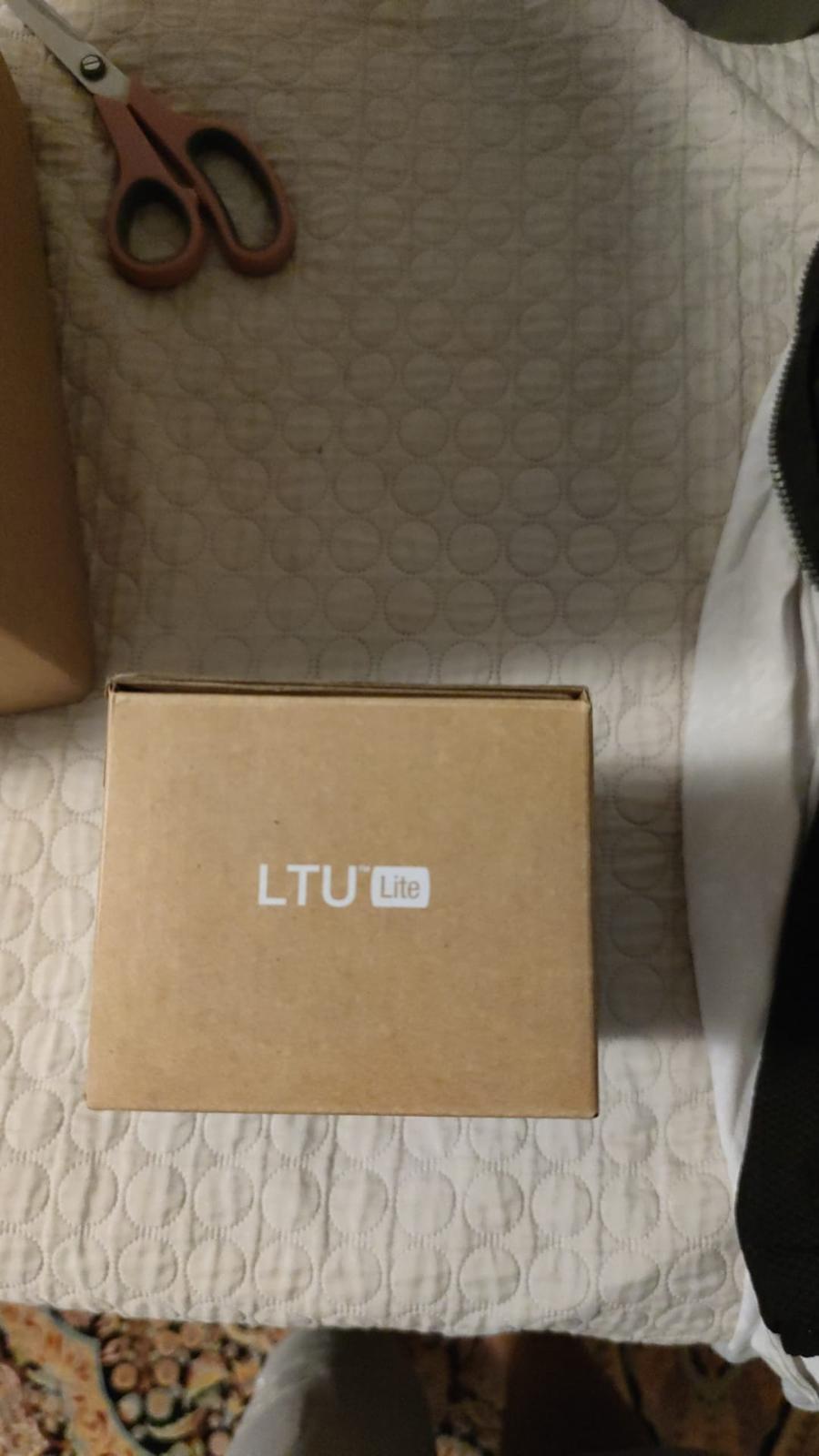
In the building · Real shipments · Real operations
Goods in. Goods out. Real Tech, Moving Daily.
A snapshot of the technology we receive, handle, pack and dispatch. These images are captured on site or at customer locations — not from a stock library.