

QNAP SATA to Dual SATA Drive Adapter QDA-A2AR
2x2.5" - 6 Gbit/s - SATA III - Black - up to 9.5 mm 6.35 cm 2.5" drive height support hardware RAID
Brand: QNAP
SKU: QDA-A2AR
£115.61
Price excl. VAT
£138.73
Price incl. VAT
Available – In Stock

Do you have any question about this product? Click here to contact our pre-sales consultant and make the right purchase.

Buy with confidence: honest stock, fair trade terms
Better prices with correct stock availability, and secure payments with full transparency.
- Aggregated live stock: availability shown is the combined aggregated stock of our warehouses and partner distributors, updated in real time. If it says available, it is available.
- No charge until confirmed: your payment is only reserved at checkout and is charged once your item is secured.
- 24-hour free cancellation: changed your mind? Cancel within 24 hours and the reserved payment is released in full.
- Stock sold out? Full refund: if an item becomes unavailable after you order, we cancel and release or refund 100% of your payment.
- From Our Warehouse to Your Door. every order is checked, packed at our warehouses and dispatched with DHL Express, UPS or FedEx as DDP – No customs or duties to pay. No hidden charges
- Fair cancellation and return terms: for late cancellations or returns of expensive, special-order items without a fault, a fee of up to 5-10% may apply, covering only actual shipping and handling costs to sustain our business. Faulty items and RMA cases are never charged. No late-payment fees, no interest ever. Full terms
 NOTE: The information below is provided for your convenience only; the accuracy of the specifications cannot be guaranteed. However, if necessary, please check with us before purchasing. Data provided by 1 World Sync.
General
Product type
HDD/SSD enclosure
Number of storage drives supported
2
Storage drive size
2.5 "
Supported storage drive interfaces
Serial ATA III
Data transfer rate
6 Gbit/s
RAID levels
0,1,JBOD
Product colour
Black
QNAP QDA-A2AR. Product type: HDD/SSD enclosure. Number of storage drives supported: 2, Storage drive size: 2.5", Supported storage drive interfaces: Serial ATA III. Data transfer rate: 6 Gbit/s. RAID levels: 0,1,JBOD. Product colour: Black
| Estimate Gross Weight | 0.225 |
|---|---|
| Estimate Gross Weight | 0.225 |
https://www.qnap.com/en/product/qda-a2ar
Use two 2.5-inch SATA drives in a single 3.5-inch SATA drive bay with RAID support for PC and NAS
The QDA-A2AR can accommodate two 2.5-inch SATA drives within a single 3.5-inch SATA drive bay. No software driver is required for the QDA-A2AR, and it can be installed in a PC/workstation (Windows®, Linux®) or QNAP NAS to flexibly add additional hard drives or SSDs to meet various storage needs.
Supports various RAID levels
The QDA-A2AR supports a variety of RAID configurations. Depending on your requirements, you can use the bundled metal pin as disk mode switch tool to select your ideal RAID mode: Individual, JBOD, RAID 0, or RAID 1. Windows® users can use the QNAP External RAID Manager utility to view the RAID group status and disk health information.
Individual Mode
A PC that supports SATA port multipliers can connect two SATA drives to a single SATA port, allowing you to independently access each disk as separate storage space.
RAID 1 Mode (Default)
Half of the total storage capacity is used to store data, and the other half keeps a copy of this data. This provides high data protection at the cost of only being able to use half the installed storage space.
RAID 0 Mode
Data is split amongst the drives. RAID 0 provides the fastest performance but does not protect data from drive failure.
JBOD Mode
All the drives are recognized as a single drive. This allows maximal storage utilization but provides no data protection.
Install in a PC/workstation for higher performance or data protection
When using two 2.5-inch drives instead of a single 3.5-inch drive in a PC/workstation (Windows® or Linux®) you can create a RAID 0 for enhanced performance, or RAID 1 to add data redundancy for greater data protection. To deal with tasks that require intensive, fast data transmission, you can install high-speed SATA SSDs to achieve maximized performance and lower latency, ideal for on-the-fly video editing and server-grade applications.
External RAID Manager for Windows users
The QNAP External RAID Manager utility allows Windows® users to view the drive status and RAID information of the QDA-A2AR. Firmware updates for the QDA-A2AR can also be managed with the External RAID Manager utility.
Install in QNAP NAS for efficient storage or SSD caching
The QDA-A2AR supports hardware RAID that will not consume CPU resources to help sustain optimal NAS performance. You can install one or more QDA-A2AR in a NAS to maximize the storage utilization of 3.5-inch drive bays. The QDA-A2AR can accommodate two SSDs to create an SSD volume for performance-demanding workflows or work in an efficient tiered-storage environment with Qtier. It can also boost IOPS performance when configuring SSD caching. RAID information and drive health of the QDA-A2AR can be monitored through the QTS Storage & Snapshots Manager.
Use two 2.5-inch SATA drives in a single 3.5-inch SATA drive bay with RAID support for PC and NAS
The QDA-A2AR can accommodate two 2.5-inch SATA drives within a single 3.5-inch SATA drive bay. No software driver is required for the QDA-A2AR, and it can be installed in a PC/workstation (Windows®, Linux®) or QNAP NAS to flexibly add additional hard drives or SSDs to meet various storage needs.
Supports various RAID levels
The QDA-A2AR supports a variety of RAID configurations. Depending on your requirements, you can use the bundled metal pin as disk mode switch tool to select your ideal RAID mode: Individual, JBOD, RAID 0, or RAID 1. Windows® users can use the QNAP External RAID Manager utility to view the RAID group status and disk health information.
Individual Mode
A PC that supports SATA port multipliers can connect two SATA drives to a single SATA port, allowing you to independently access each disk as separate storage space.
RAID 1 Mode (Default)
Half of the total storage capacity is used to store data, and the other half keeps a copy of this data. This provides high data protection at the cost of only being able to use half the installed storage space.
RAID 0 Mode
Data is split amongst the drives. RAID 0 provides the fastest performance but does not protect data from drive failure.
JBOD Mode
All the drives are recognized as a single drive. This allows maximal storage utilization but provides no data protection.
Install in a PC/workstation for higher performance or data protection
When using two 2.5-inch drives instead of a single 3.5-inch drive in a PC/workstation (Windows® or Linux®) you can create a RAID 0 for enhanced performance, or RAID 1 to add data redundancy for greater data protection. To deal with tasks that require intensive, fast data transmission, you can install high-speed SATA SSDs to achieve maximized performance and lower latency, ideal for on-the-fly video editing and server-grade applications.
External RAID Manager for Windows users
The QNAP External RAID Manager utility allows Windows® users to view the drive status and RAID information of the QDA-A2AR. Firmware updates for the QDA-A2AR can also be managed with the External RAID Manager utility.
Install in QNAP NAS for efficient storage or SSD caching
The QDA-A2AR supports hardware RAID that will not consume CPU resources to help sustain optimal NAS performance. You can install one or more QDA-A2AR in a NAS to maximize the storage utilization of 3.5-inch drive bays. The QDA-A2AR can accommodate two SSDs to create an SSD volume for performance-demanding workflows or work in an efficient tiered-storage environment with Qtier. It can also boost IOPS performance when configuring SSD caching. RAID information and drive health of the QDA-A2AR can be monitored through the QTS Storage & Snapshots Manager.
- Use two 2.5-inch SATA HDDs/SSDs (7mm to 9.5mm high) in a single 3.5-inch drive bay. (HDD/SSD sold separately)
- Up to 6 Gb/s file transfer speeds. Can be the primary bootable device for PCs
- Choose a hardware RAID group with the disk mode switch
0.0
0 review(s)
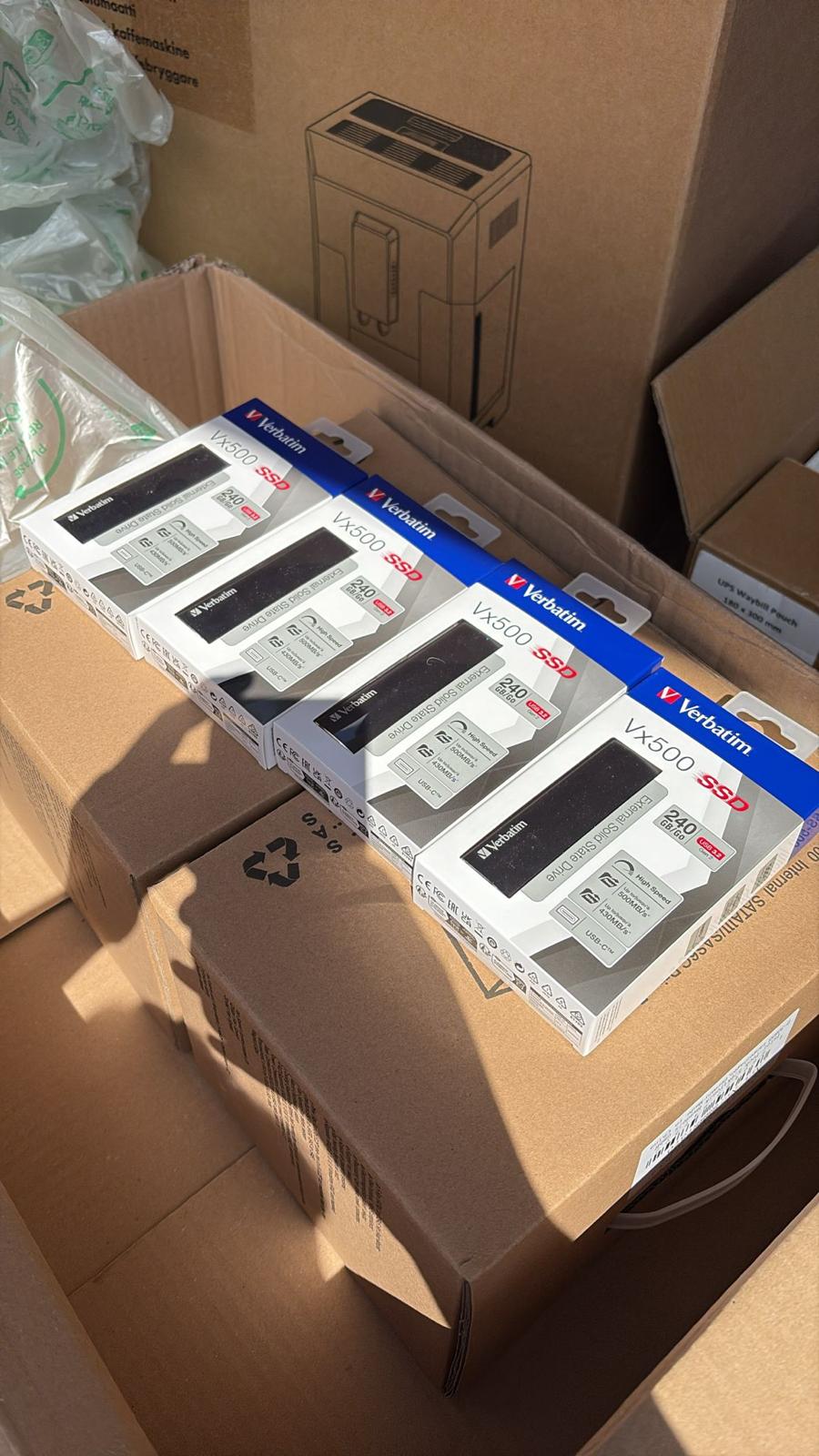
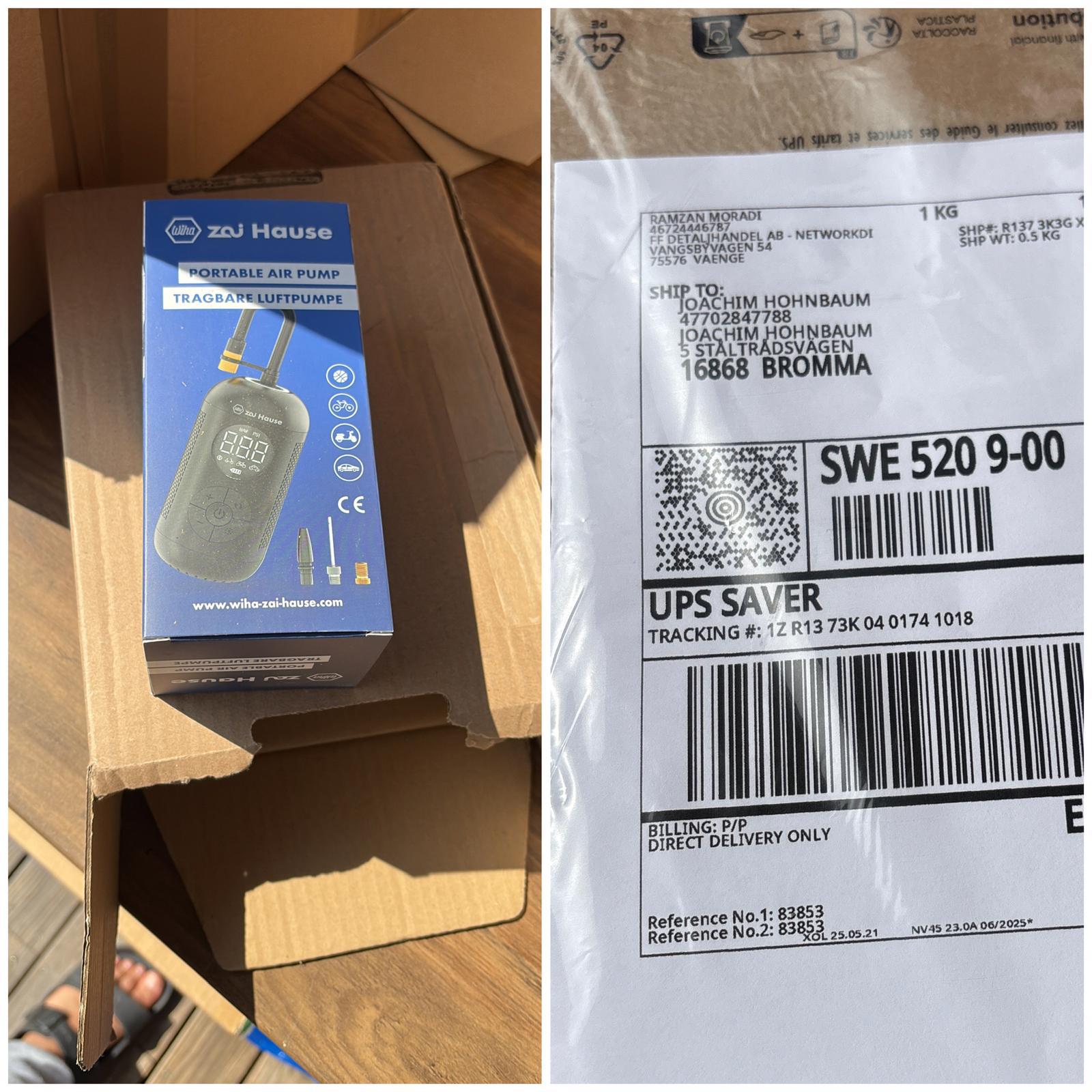
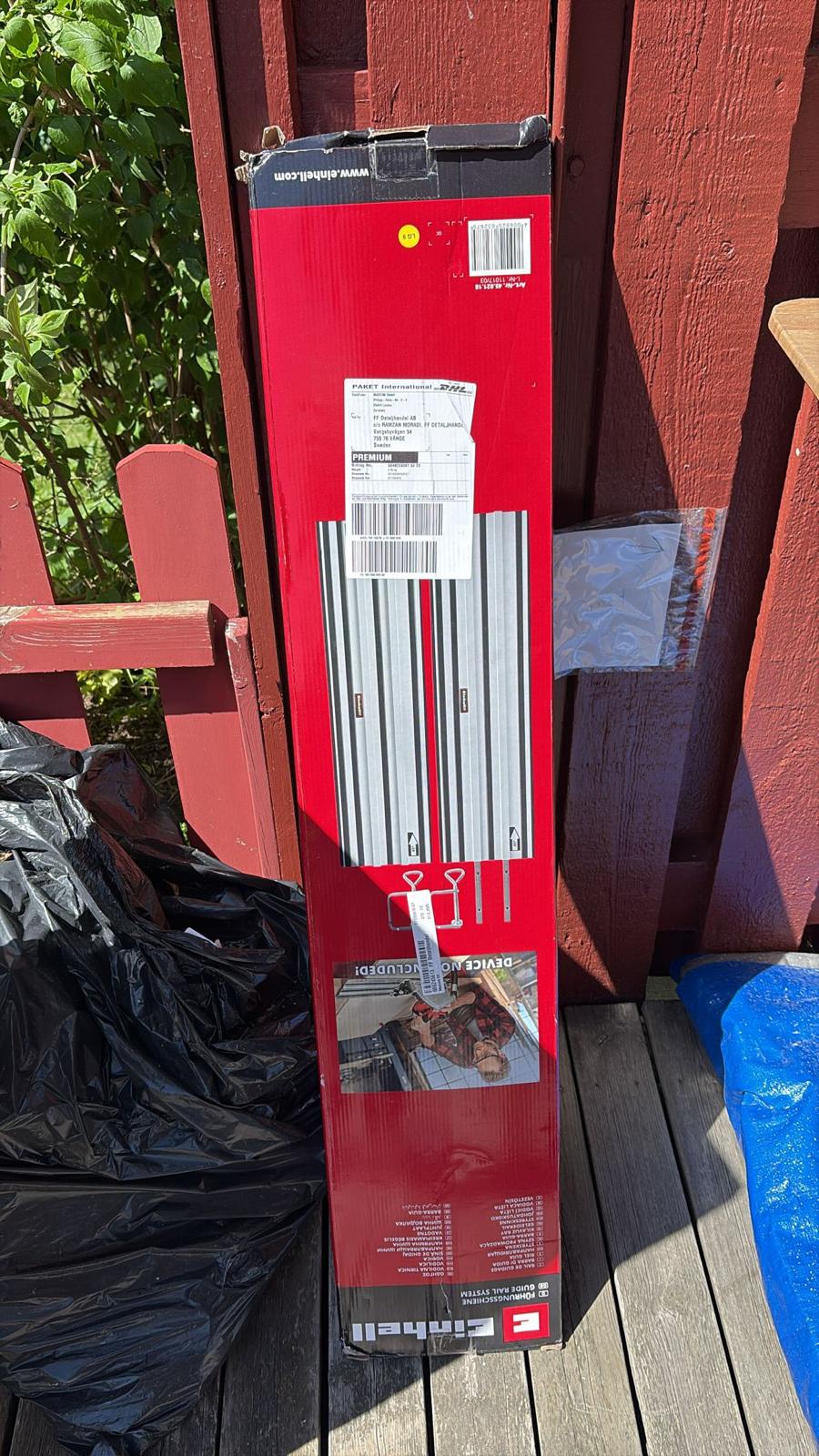
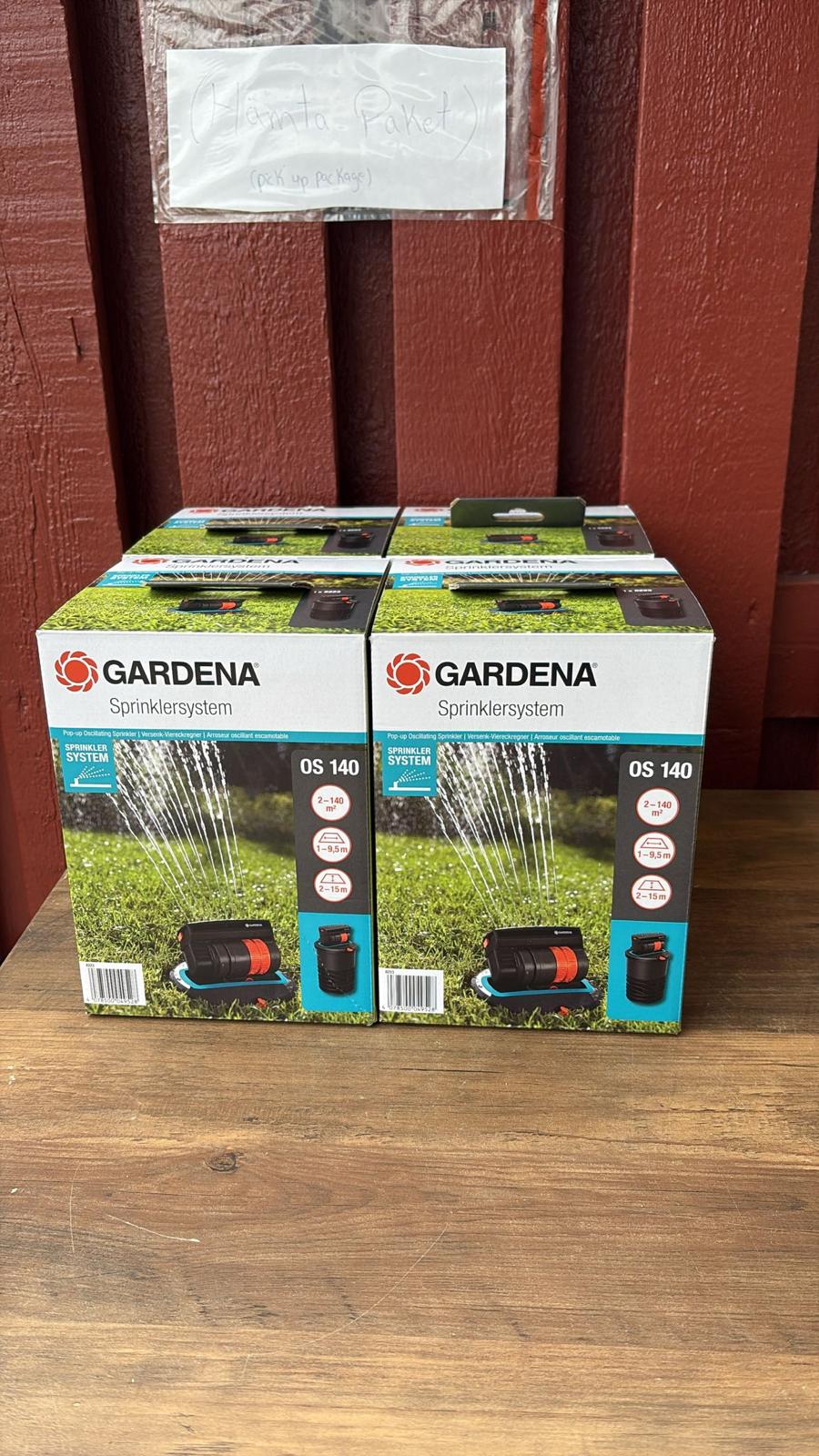
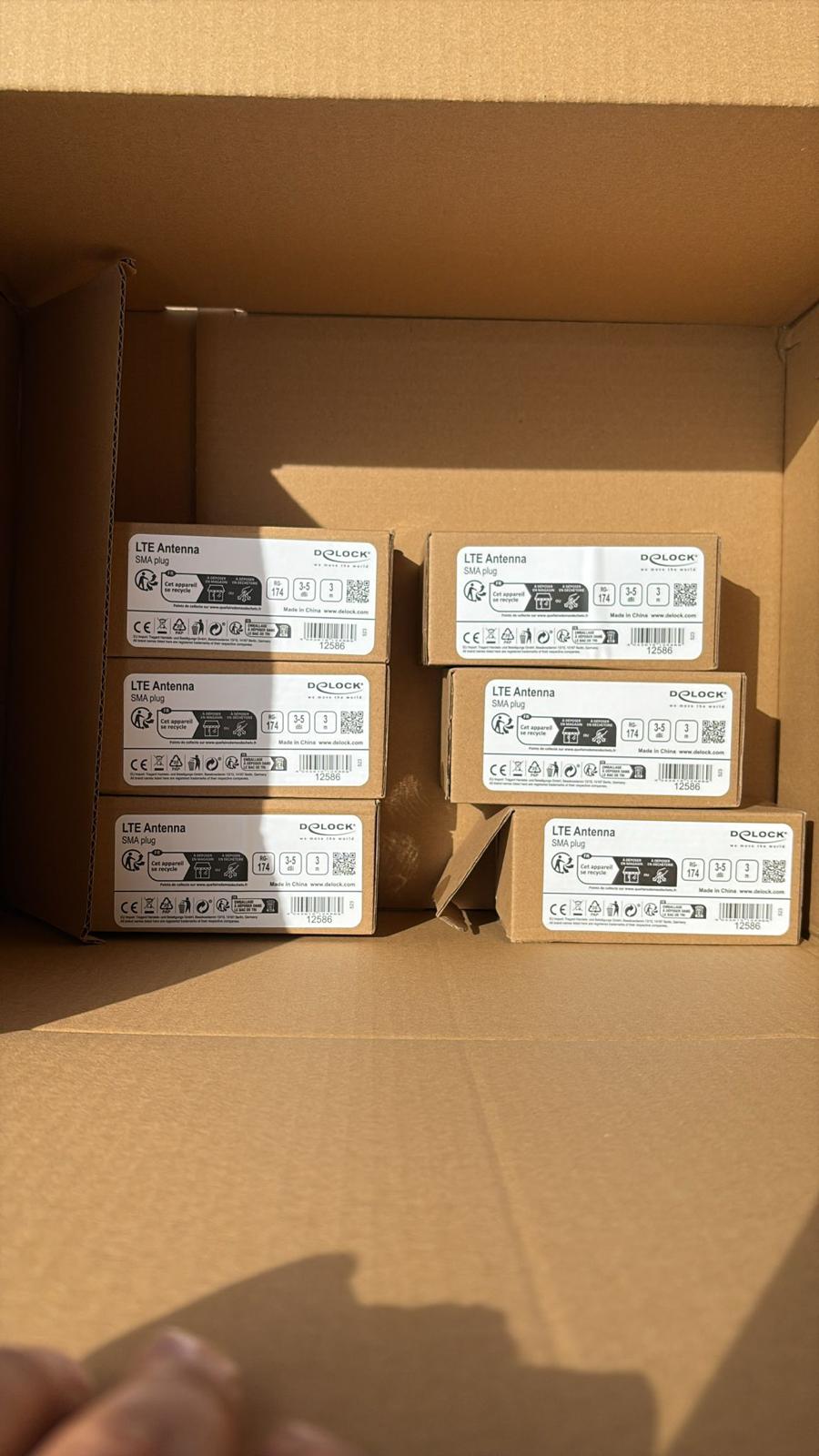
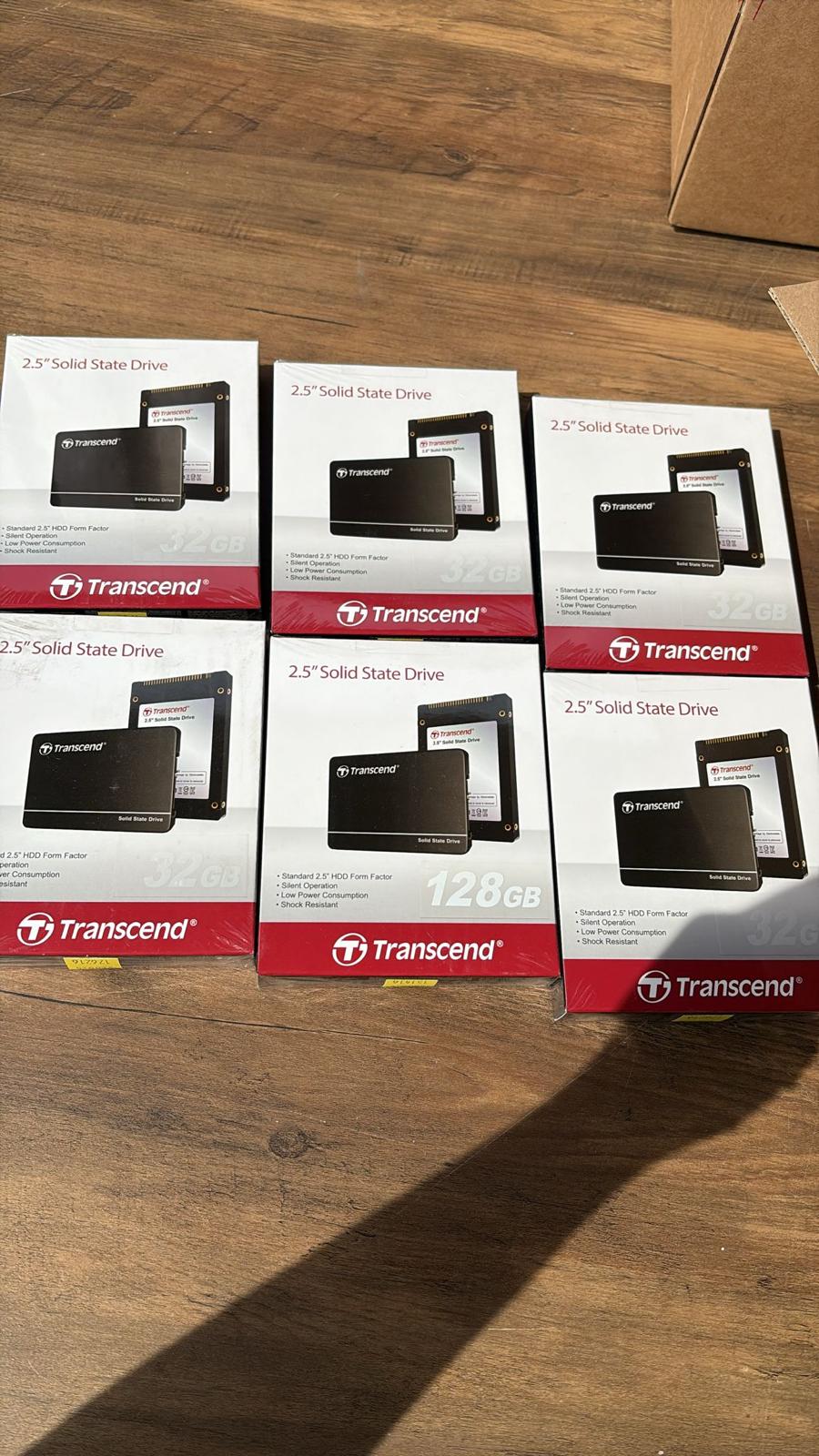
In the building · Real shipments · Real operations
Goods in. Goods out. Real Tech, Moving Daily.
A snapshot of the technology we receive, handle, pack and dispatch. These images are captured on site or at customer locations — not from a stock library.