

Brother QL-600G - Label printer


Buy with confidence: honest stock, fair trade terms
Better prices with correct stock availability, and secure payments with full transparency.
- Aggregated live stock: availability shown is the combined aggregated stock of our warehouses and partner distributors, updated in real time. If it says available, it is available.
- No charge until confirmed: your payment is only reserved at checkout and is charged once your item is secured.
- 24-hour free cancellation: changed your mind? Cancel within 24 hours and the reserved payment is released in full.
- Stock sold out? Full refund: if an item becomes unavailable after you order, we cancel and release or refund 100% of your payment.
- From Our Warehouse to Your Door. every order is checked, packed at our warehouses and dispatched with DHL Express, UPS or FedEx as DDP – No customs or duties to pay. No hidden charges
- Fair cancellation and return terms: for late cancellations or returns of expensive, special-order items without a fault, a fee of up to 5-10% may apply, covering only actual shipping and handling costs to sustain our business. Faulty items and RMA cases are never charged. No late-payment fees, no interest ever. Full terms
 NOTE: The information below is provided for your convenience only; the accuracy of the specifications cannot be guaranteed. However, if necessary, please check with us before purchasing. Data provided by 1 World Sync.
|
|
||||
| Brother QL-600G Etikettendrucker - Label Printer - Label Printer |

|
|||
| Colored - 600 dpi - USB 2.0 | ||||
| Group | Printers | |||
| Manufacturer | Brother | |||
| Manufacturer item no. | QL600GXX1 | |||
| EAN/UPC | 4977766798457 | |||
| Description | ||||
|
Brother Etikettendrucker QL-600G,
Der Brother QL-600G ist ein professioneller Etikettendrucker für Einzel- und Endlosetiketten mit der Möglichkeit der direkten Nutzung über einen USB-Anschluss unter Windows, ohne die Installation von Treibern oder Software. |
||||
| Extended details | ||||
| General | ||||
| Type | Label Printer | |||
| Printing technology | Label Printer | |||
| Colour printing | Colored | |||
| Maximum printing resolution | 600 dpi | |||
| Paper format | B2 | |||
| Maximum print resolution | 300 * 300 dpi | |||
| Interfaces | USB 2.0 | |||
| Weight | 0.6 kg | |||
| Compatibility | ||||
| Compatible brands | Brother | |||
| Estimate Gross Weight | 0.6 |
|---|
Address, signage and general label printing for your home or office
The Brother QL-600G is a compact label printer that once connected to your computer lets you design and print labels on demand, quickly and efficiently.
Choose the label size you need
Every QL-600G label printer comes with a 62mm width continuous length label roll in the box. Brother's unique continuous roll technology allows you to print any sized label you need from one roll. From address labels, storage boxes and indoor signage, you can complete all your labelling requirements without the need for multiple rolls.
Free label editing software for Windows PC’s and Mac
Brother's easy to use, free editing software, P-touch Editor, gives users the opportunity to fully customise their labels. Available on both Windows and MAC, you can import existing graphic files, use the enhanced symbols or clip-art files included to create logos or custom art.
Design your perfect label
From a simple address label containing just text, you can then add images (such as a company logo), barcodes and frames. Use the fonts installed on your computer to create the exact label required.
Many different label sizes to choose from
As well as a range of continuous length rolls that can be cut to your exact size requirement, there are also many popular sized die-cut labels available. These pre-sized labels have rounded corners and are quick and easy to peel, ideal for when a larger number of labels need to be printed and applied.
Change label rolls quickly and easily
Unlike some other label printers on the market, all Brother DK label rolls are supplied on a label spindle. All you have to do is drop-in your roll, feed it into the printer then close the top cover. It takes just seconds and ensures the labels are installed correctly, every time.
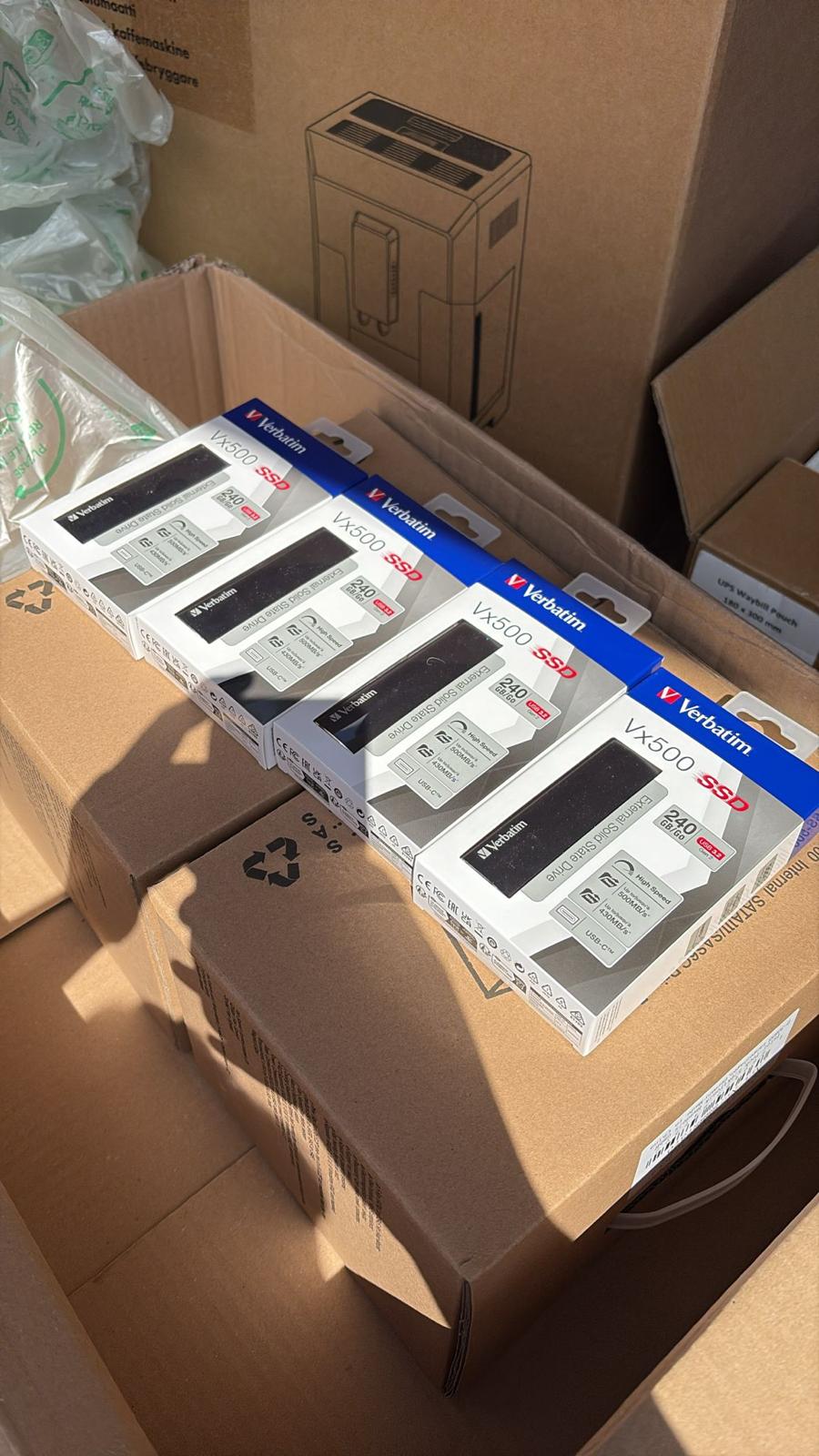
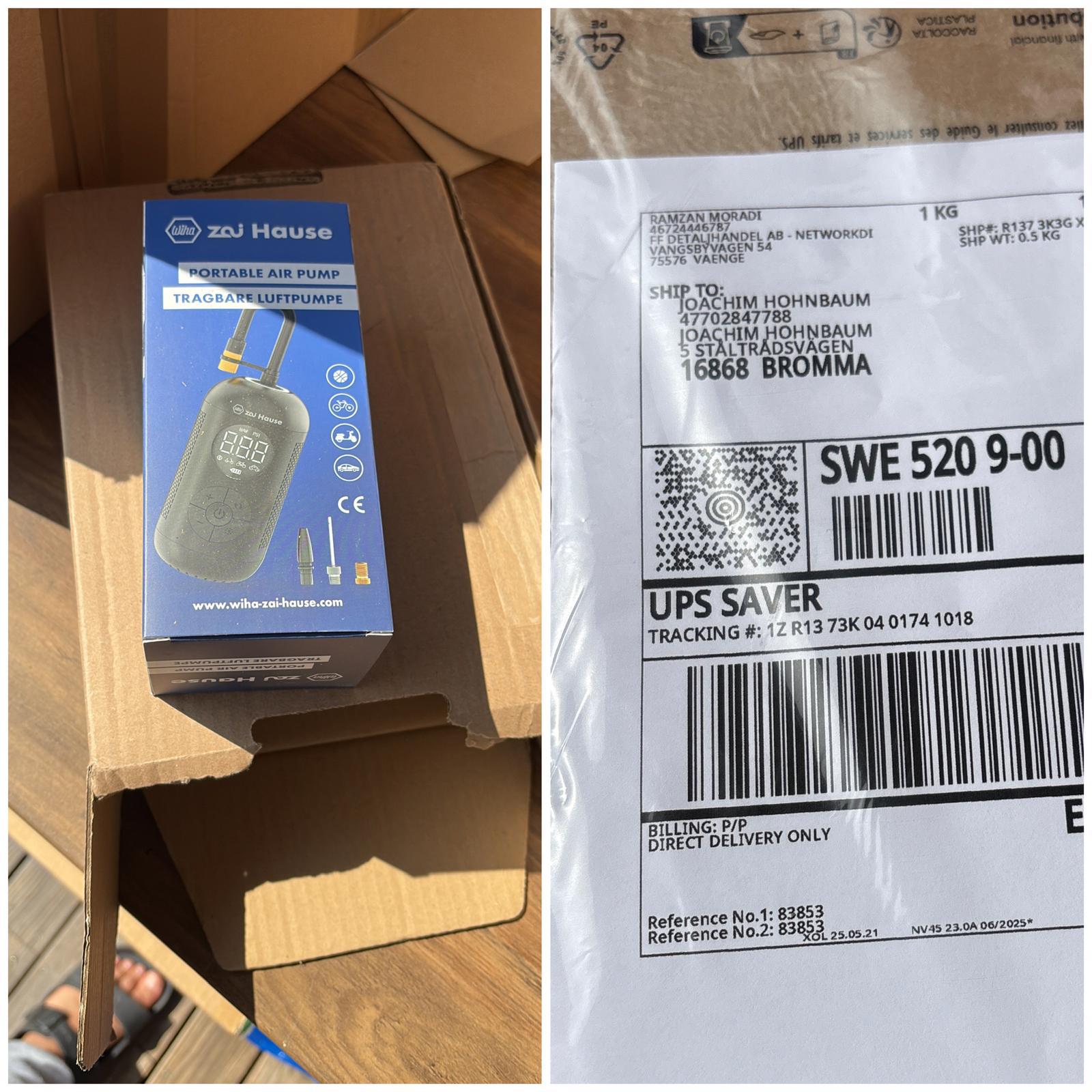
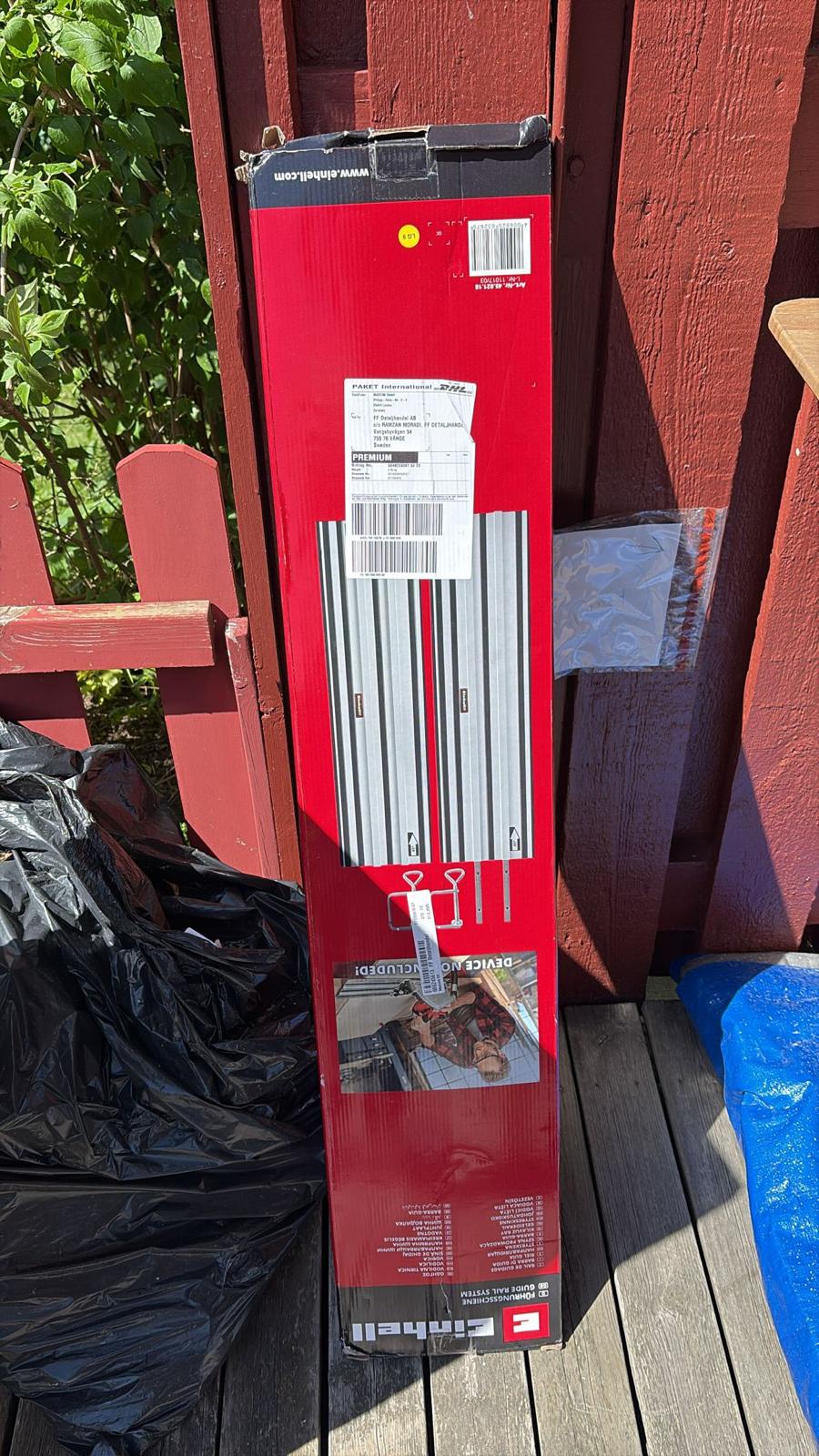
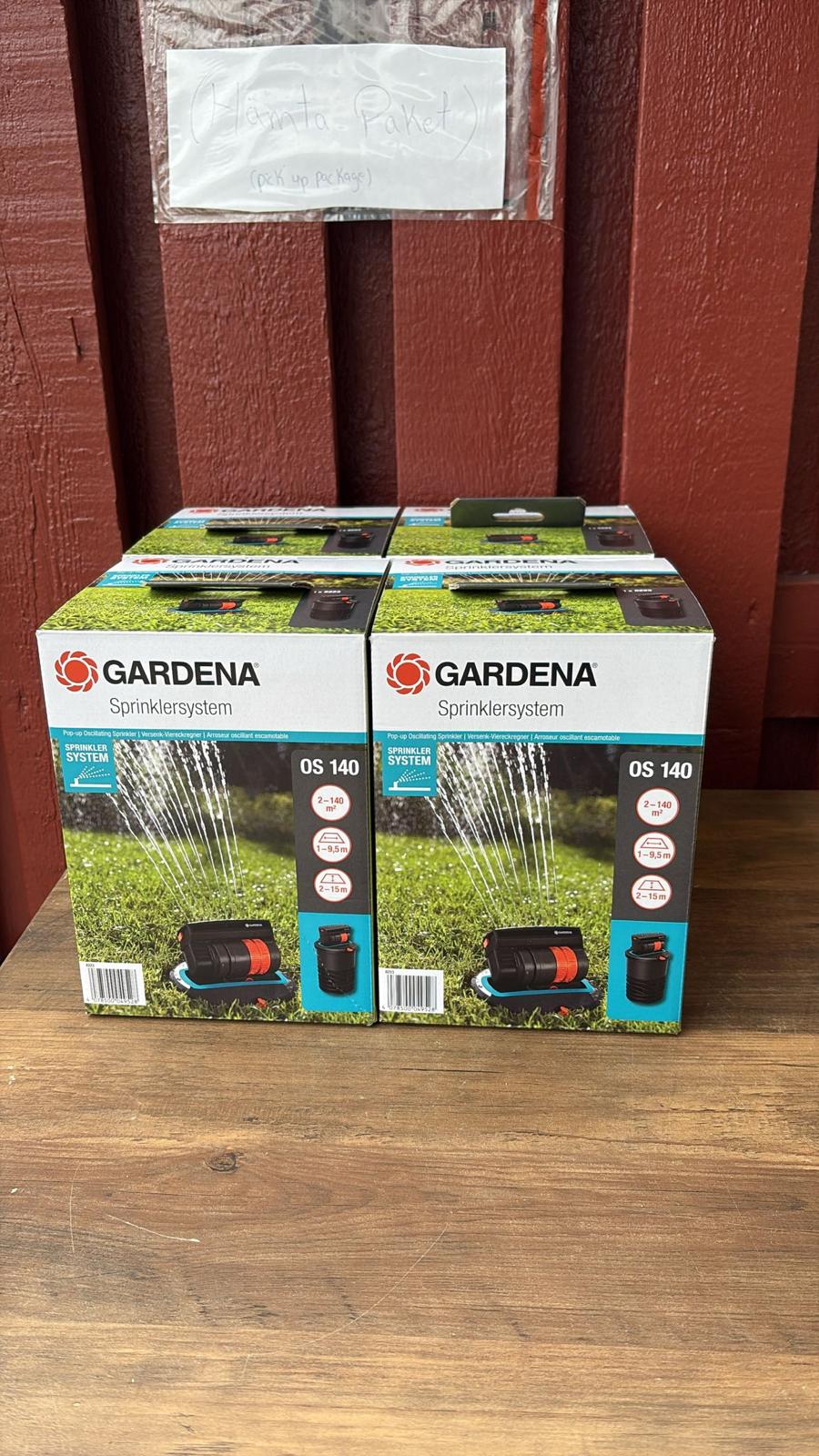
Goods in. Goods out. Real Tech, Moving Daily.
A snapshot of the technology we receive, handle, pack and dispatch. These images are captured on site or at customer locations — not from a stock library.