

QNAP TL-D1600S - Tower - 16 bays - 2.5"/3.5" SATA 6 Gbps
12x 3.5" + 4x 2.5" SATA - 4x SFF-8088 - 303.8x369.9x319.8 mm
Brand: QNAP
SKU: TL-D1600S
£1,495.11
Price excl. VAT
£1,794.13
Price incl. VAT
Low stock — only 1 left

Do you have any question about this product? Click here to contact our pre-sales consultant and make the right purchase.
Buy with confidence: honest stock, fair trade terms
Better prices with correct stock availability, and secure payments with full transparency.
- Aggregated live stock: availability shown is the combined aggregated stock of our warehouses and partner distributors, updated in real time. If it says available, it is available.
- No charge until confirmed: your payment is only reserved at checkout and is charged once your item is secured.
- 24-hour free cancellation: changed your mind? Cancel within 24 hours and the reserved payment is released in full.
- Stock sold out? Full refund: if an item becomes unavailable after you order, we cancel and release or refund 100% of your payment.
- From Our Warehouse to Your Door. every order is checked, packed at our warehouses and dispatched with DHL Express, UPS or FedEx as DDP – No customs or duties to pay. No hidden charges
- Fair cancellation and return terms: for late cancellations or returns of expensive, special-order items without a fault, a fee of up to 5-10% may apply, covering only actual shipping and handling costs to sustain our business. Faulty items and RMA cases are never charged. No late-payment fees, no interest ever. Full terms
 NOTE: The information below is provided for your convenience only; the accuracy of the specifications cannot be guaranteed. However, if necessary, please check with us before purchasing. Data provided by 1 World Sync.
General
Product type
HDD/SSD enclosure
Number of storage drives supported
16
Storage drive size
2.5/3.5 "
Supported storage drive interfaces
Serial ATA II,Serial ATA III
Data transfer rate
6 Gbit/s
Hot-swap
Y
Display type
LCD
Product colour
Black,Grey
QNAP TL-D1600S. Product type: HDD/SSD enclosure. Number of storage drives supported: 16, Storage drive size: 2.5/3.5", Supported storage drive interfaces: Serial ATA II,Serial ATA III. Data transfer rate: 6 Gbit/s. Hot-swap. Display type: LCD, Product colour: Black,Grey
| Estimate Gross Weight | 14.73 |
|---|
https://www.qnap.com/en/product/tl-d1600s
TL-D1600S JBOD storage enclosure allows you to back up and expand your QNAP NAS, Windows® and Ubuntu® computers and servers. The TL-D1600S features sixteen 3.5-inch SATA 6Gb/s drive bays and comes with a QXP PCIe card for connecting the enclosure using a SFF-8088 (or SFF-8644) cable. It provides reliable read/write performance for smooth storage and backup tasks.
High-performing TL SATA JBOD
The TL SATA JBOD supports multi-lane SATA 6Gb/s transfer, and each SATA lane directly connects to a single SATA drive to help improve performance. With the 1-1 high-speed channel, the TL SATA JBOD delivers excellent transfer performance.
Flexible Storage Configuration and Management
The TL-D1600S provides software-controlled storage configuration for greater management flexibility. You can configure RAID and monitor JBOD enclosure and disk health with Storage & Snapshots when connected to a QTS or QTS hero NAS, or with the QNAP JBOD Manager utility when connected to a computer.
What you need to know
You can connect your TL-D1600S to Windows and Ubuntu computers through SFF-8088 (or SFF-8644) high-speed cable and use built-in utility to manage RAID configuration.
Intelligently Monitor JBOD Enclosure Status on PC and Servers with QNAP JBOD Manager
The QNAP JBOD Manager is a desktop utility for monitoring the TL-D1600S on Windows and Ubuntu computers. You can quickly obtain the disk statuses, JBOD information and health, view fan rotation speed, and check for firmware version updates. All device events are recorded, and will send desktop notifications when a system alert occurs.
Flexibly Expand Connectivity with QXP PCIe Cards
Install an exclusive QXP PCIe card onto your QNAP NAS, Windows or Ubuntu PC to connect the JBOD enclosure via SFF-8088 (or SFF-8644) cable , for easy and flexible storage expansion.
Versatile usage scenarios to meet storage expansion needs
The TL-D1600S meets many storage expansion requirements for the home and office. Below is a list of potential application scenarios:
Scenario 1: Expand your NAS capacity
The TL-D1600S provides an alternative method for users to expand their NAS storage capacity. By connecting the TL-D1600S to their NAS and using Storage & Snapshots Manager in QTS or QTS hero, users can easily configure and manage their storage expansion. The TL-D1600S supports a variety of QNAP NAS storage and file management functions, allowing users to build storage pools, finding files with Qsirch, and organizing files with Qfiling.
Scenario 2: External storage for your NAS
You can use the TL-D1600S to expand your NAS storage. You can select disks to create storage pools for expanding your NAS capacity, or you can treat each disk as an individual external storage space and use it as a removable drive for greater flexibility. Regardless of the mode you use, you can always use Storage & Snapshots Manager in QTS or QTS hero to set up and manage your TL-D1600S and use hard drive S.M.A.R.T. and Notification Center to check disk status anytime and anywhere.
Scenario 3: Expand the storage space of your Windows and Ubuntu computers
You can use your TL-D1600S to expand the storage space of Windows and Ubuntu computers. You can set up the RAID configuration of your TL-D1600S to further secure data protection. Moreover, you can also use the single disk mode and format with exFAT file system for more convenient access and sharing of files between Windows® and Ubuntu® computers.
Scenario 4: Third-party hardware RAID card for advanced protection
You can install third-party hardware RAID cards on your TL-D1600S for advanced hardware RAID 1, RAID 5, RAID 6, RAID 10, RAID 50, and RAID 60 protection and use Windows utility software to manage your TL-D1600S.
TL-D1600S Offers Better Performance Than Other USB and eSATA JBOD Solutions
The TL-D1600S features SFF-8088 (or SFF-8644) connectivity and multiple SATA 6Gb/s bays. This provides better sequential read performance and faster data transfer speeds than existing USB and eSATA expansion enclosures, while also being a more economical option compared to a QNAP REXP SAS enclosure.
TL-D1600S JBOD storage enclosure allows you to back up and expand your QNAP NAS, Windows® and Ubuntu® computers and servers. The TL-D1600S features sixteen 3.5-inch SATA 6Gb/s drive bays and comes with a QXP PCIe card for connecting the enclosure using a SFF-8088 (or SFF-8644) cable. It provides reliable read/write performance for smooth storage and backup tasks.
High-performing TL SATA JBOD
The TL SATA JBOD supports multi-lane SATA 6Gb/s transfer, and each SATA lane directly connects to a single SATA drive to help improve performance. With the 1-1 high-speed channel, the TL SATA JBOD delivers excellent transfer performance.
Flexible Storage Configuration and Management
The TL-D1600S provides software-controlled storage configuration for greater management flexibility. You can configure RAID and monitor JBOD enclosure and disk health with Storage & Snapshots when connected to a QTS or QTS hero NAS, or with the QNAP JBOD Manager utility when connected to a computer.
What you need to know
You can connect your TL-D1600S to Windows and Ubuntu computers through SFF-8088 (or SFF-8644) high-speed cable and use built-in utility to manage RAID configuration.
Intelligently Monitor JBOD Enclosure Status on PC and Servers with QNAP JBOD Manager
The QNAP JBOD Manager is a desktop utility for monitoring the TL-D1600S on Windows and Ubuntu computers. You can quickly obtain the disk statuses, JBOD information and health, view fan rotation speed, and check for firmware version updates. All device events are recorded, and will send desktop notifications when a system alert occurs.
Flexibly Expand Connectivity with QXP PCIe Cards
Install an exclusive QXP PCIe card onto your QNAP NAS, Windows or Ubuntu PC to connect the JBOD enclosure via SFF-8088 (or SFF-8644) cable , for easy and flexible storage expansion.
Versatile usage scenarios to meet storage expansion needs
The TL-D1600S meets many storage expansion requirements for the home and office. Below is a list of potential application scenarios:
Scenario 1: Expand your NAS capacity
The TL-D1600S provides an alternative method for users to expand their NAS storage capacity. By connecting the TL-D1600S to their NAS and using Storage & Snapshots Manager in QTS or QTS hero, users can easily configure and manage their storage expansion. The TL-D1600S supports a variety of QNAP NAS storage and file management functions, allowing users to build storage pools, finding files with Qsirch, and organizing files with Qfiling.
Scenario 2: External storage for your NAS
You can use the TL-D1600S to expand your NAS storage. You can select disks to create storage pools for expanding your NAS capacity, or you can treat each disk as an individual external storage space and use it as a removable drive for greater flexibility. Regardless of the mode you use, you can always use Storage & Snapshots Manager in QTS or QTS hero to set up and manage your TL-D1600S and use hard drive S.M.A.R.T. and Notification Center to check disk status anytime and anywhere.
Scenario 3: Expand the storage space of your Windows and Ubuntu computers
You can use your TL-D1600S to expand the storage space of Windows and Ubuntu computers. You can set up the RAID configuration of your TL-D1600S to further secure data protection. Moreover, you can also use the single disk mode and format with exFAT file system for more convenient access and sharing of files between Windows® and Ubuntu® computers.
Scenario 4: Third-party hardware RAID card for advanced protection
You can install third-party hardware RAID cards on your TL-D1600S for advanced hardware RAID 1, RAID 5, RAID 6, RAID 10, RAID 50, and RAID 60 protection and use Windows utility software to manage your TL-D1600S.
TL-D1600S Offers Better Performance Than Other USB and eSATA JBOD Solutions
The TL-D1600S features SFF-8088 (or SFF-8644) connectivity and multiple SATA 6Gb/s bays. This provides better sequential read performance and faster data transfer speeds than existing USB and eSATA expansion enclosures, while also being a more economical option compared to a QNAP REXP SAS enclosure.
- Lockable hard drive trays prevent accidental drive removal
- SFF-8088 (or SFF-8644) connection cable supports four SATA 6Gb/s channels per cable (24Gb/s in total) and provides faster data transfer speeds than eSATA and USB
- Easy to use. QNAP NAS and PC can both use utility software to monitor, obtain, and manage JBOD information
0.0
0 review(s)
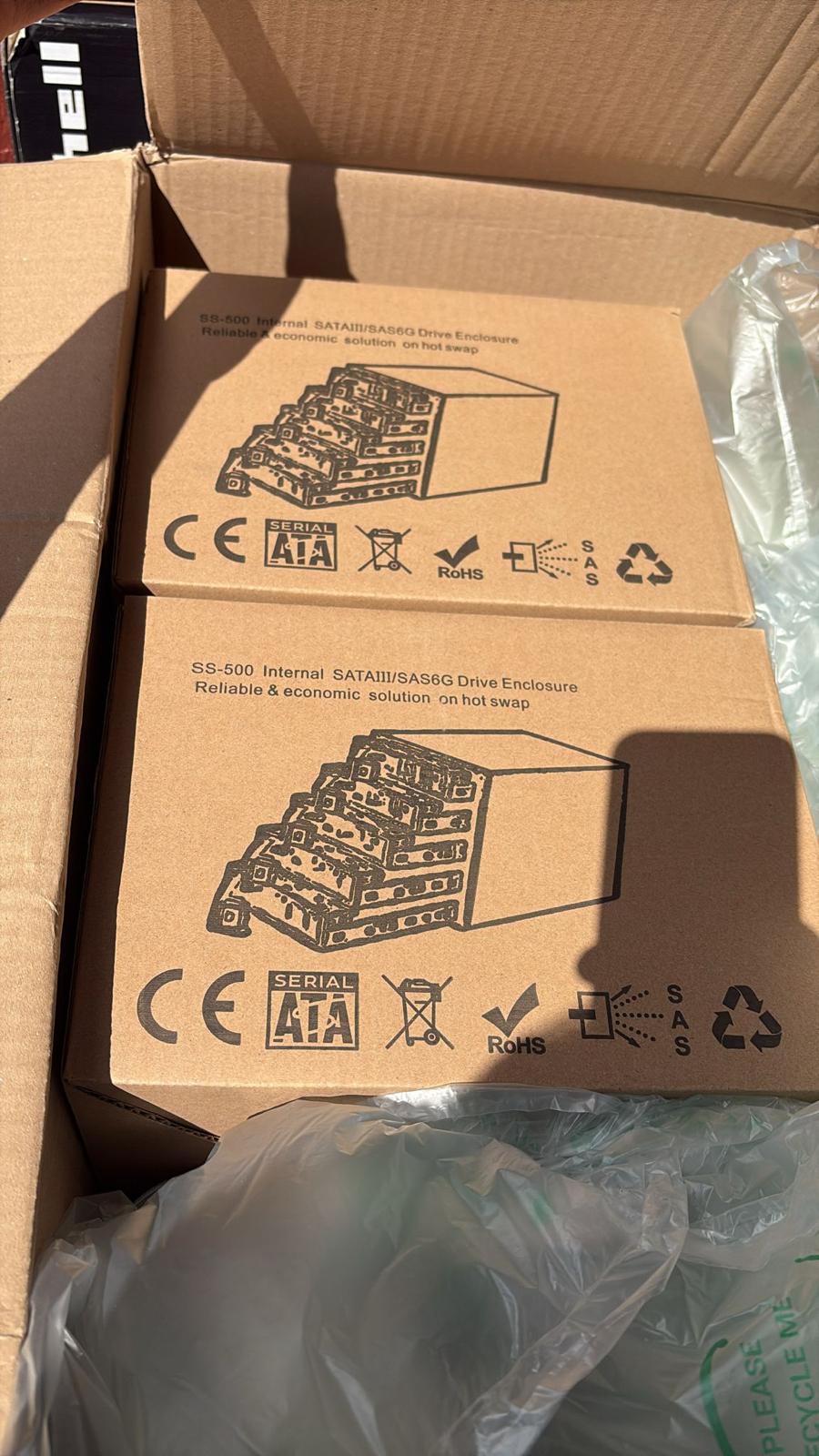
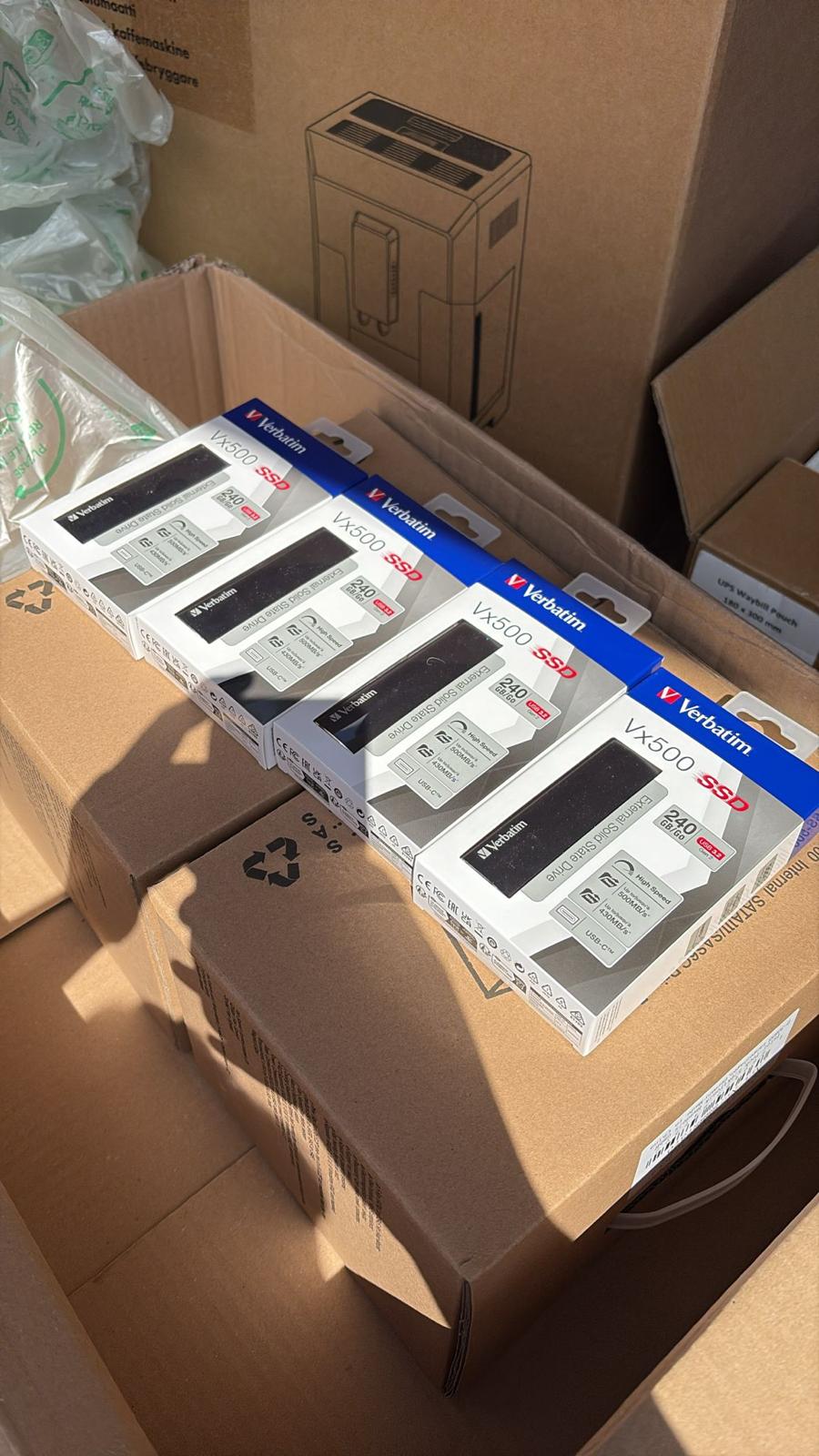
In the building · Real shipments · Real operations
Goods in. Goods out. Real Tech, Moving Daily.
A snapshot of the technology we receive, handle, pack and dispatch. These images are captured on site or at customer locations — not from a stock library.